Draw maps that
tell stories
Create thematic maps with a powerful browser-based editor. Style every detail, organize with groups and legend, then export or share.
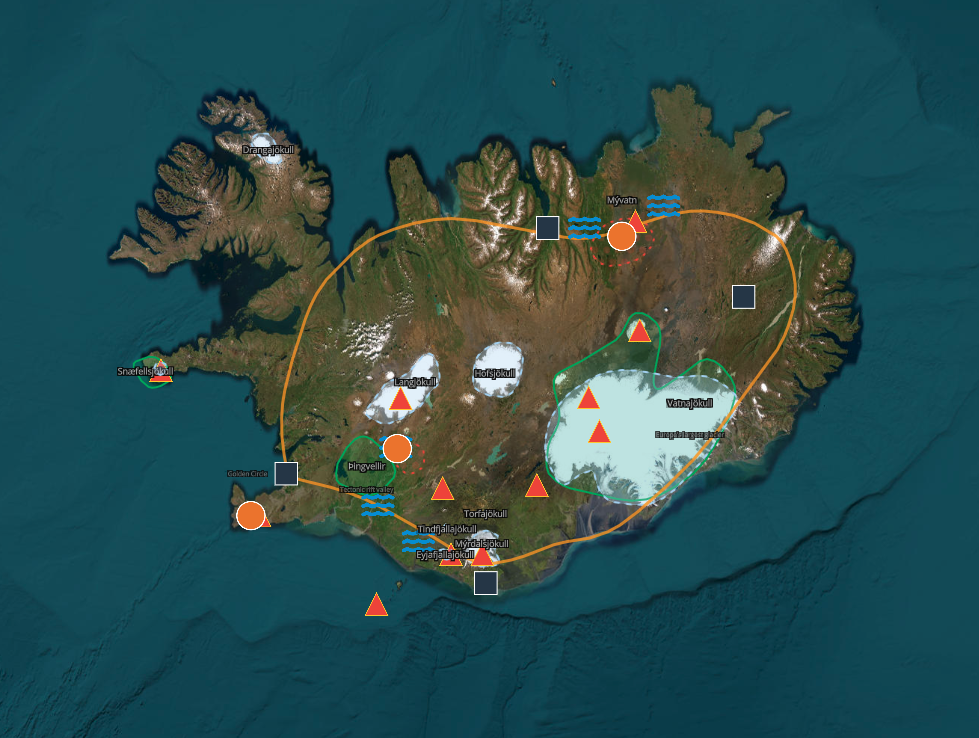
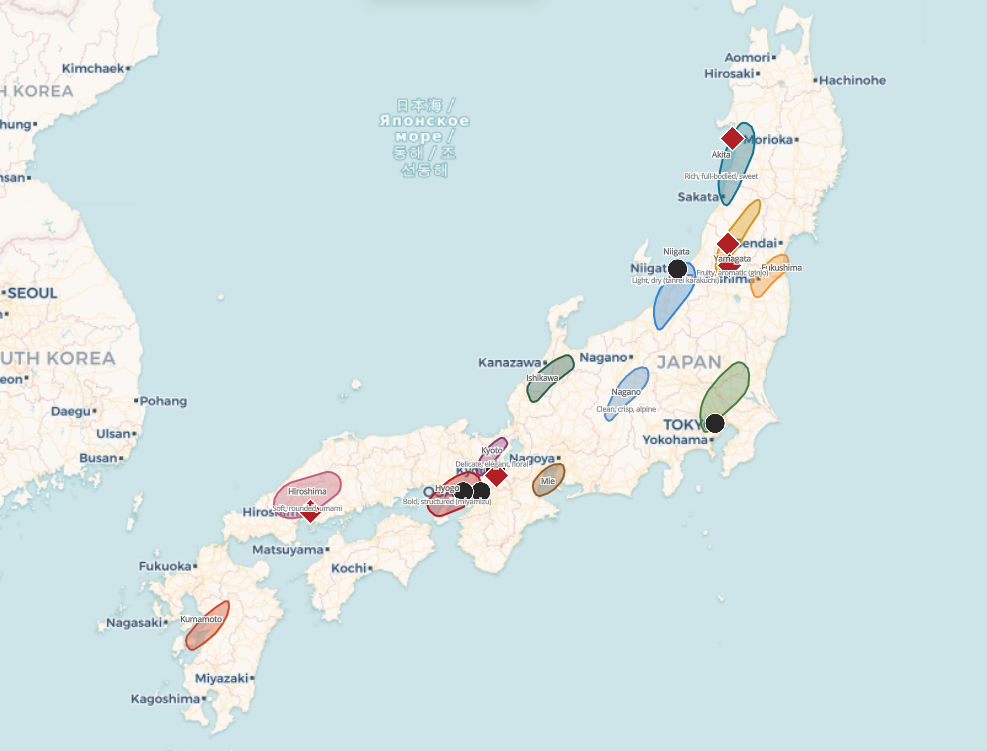
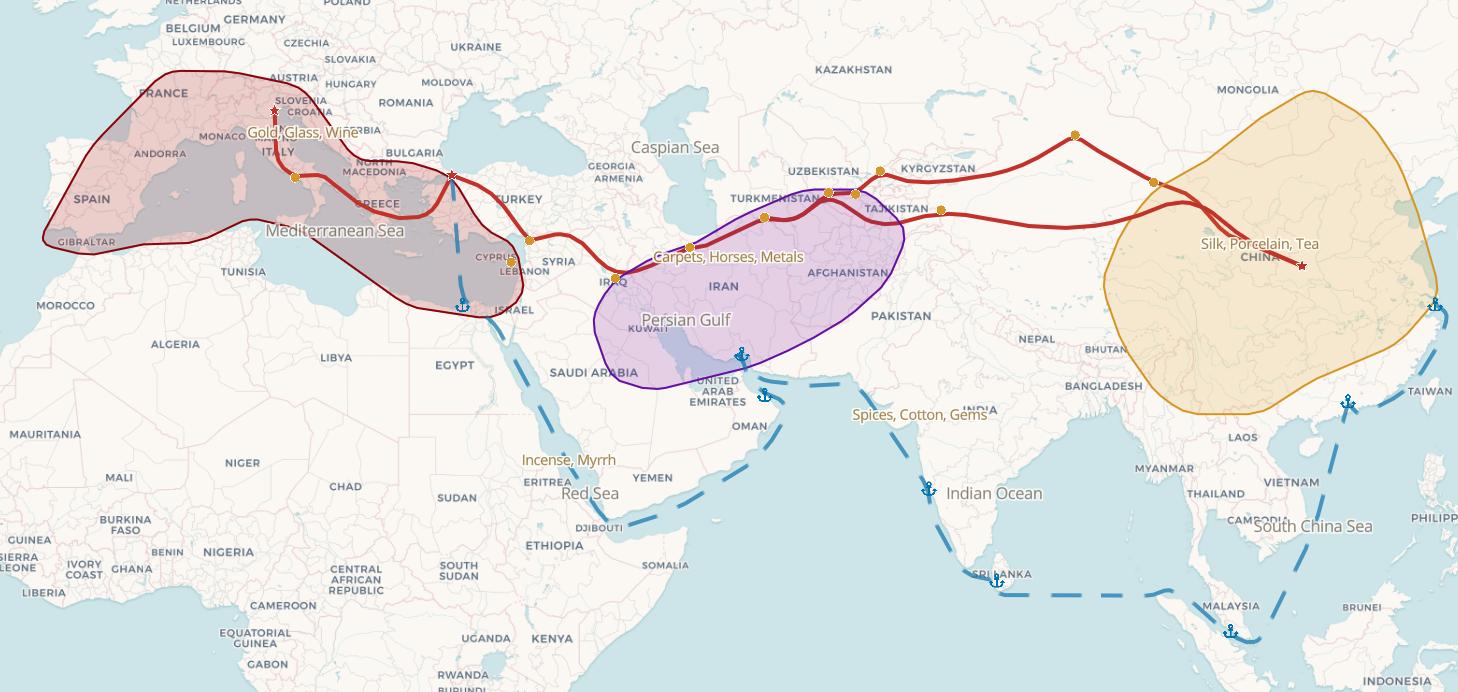
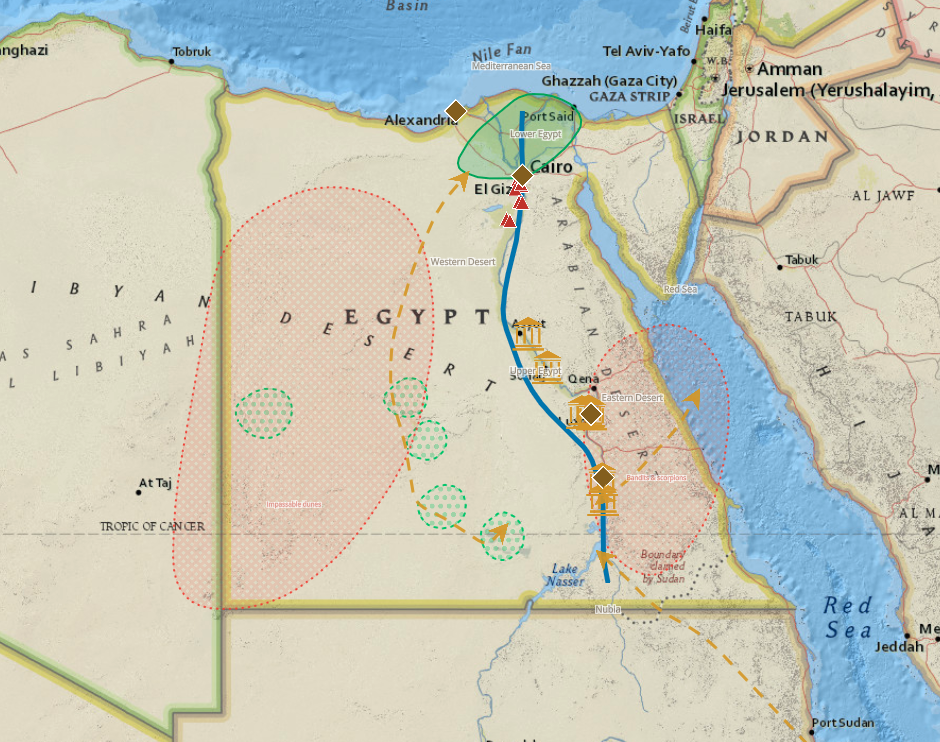
Features
Everything you need to make maps
A complete cartography toolkit that runs entirely in your browser. No plugins, no desktop app.
Precision drawing tools
Polygons, polylines, points, text, arrows, circles, rectangles. Every geometry you need for detailed cartography.
Rich styling options
Colors, opacity, fill patterns, line styles, decorations, custom SVG markers, and icon library.
Groups
Organize features into groups. Reorder with drag & drop. Collapse for a clean workspace.
Legend system
Create legend entries with shared styles. Assign features to legend entries for consistent, professional maps.
Share your maps
Publish your maps with a public link or embed them on any website with a simple iframe snippet.
Multiple base maps
OpenStreetMap, Voyager, Topographic, Satellite, and more. Switch between flat and globe projection.
Use cases
Maps for every purpose
From classroom handouts to published articles — idomaps adapts to how you work.
Education
Teachers and professors create thematic maps for history, geography, and social studies. Visualize trade routes, migrations, or geopolitical boundaries.
Travel & outdoors
Plan road trips, document hikes, or build travel guides with custom markers, routes, and photos. Share an interactive map instead of a static image.
Research & journalism
Illustrate data stories, fieldwork, or investigative pieces with detailed, styled maps that can be embedded in any article or report.
Content creation
Bloggers, YouTubers, and newsletter authors build beautiful maps to illustrate their content — no GIS skills or expensive software needed.
Local government
Municipalities and public agencies map zoning plans, bike lanes, heritage sites, or public consultations. Embed interactive maps on official websites.
Museums & cultural heritage
Curators and cultural institutions create maps for exhibitions — archaeological sites, artist journeys, historical events, or collection origins.
Try it
Explore a map
This is a real map made with idomaps. Zoom, pan, and hover to explore.
How it works
Three steps to a finished map
Draw on the map
Use the toolbar to draw polygons, lines, points, or text directly on any base map.
Style and organize
Customize colors, patterns, and borders. Group features and build a legend.
Share and explore
Publish your map with a public link and browse what others have created.
Ready to draw your first map?
No account required. Open the editor and start drawing in seconds.
Open the editor